Comodo PositiveSSL offers an affordable and dependable solution for securing your website with strong encryption and fast deployment. Perfect for small businesses and personal websites, it ensures safe online transactions and protects your users' sensitive information. With Comodo's trusted certification, you can boost customer confidence, maintain privacy, and meet essential industry security standards with ease
-
Most Popular
Comodo PositiveSSL
Comodo PositiveSSL
USD 24 /yrToday you pay USD 24 for 12 months. Renews at USD 24/yr for the same term. Cancel anytime.-
Secures a single domain
-
Domain validation (DV) for instant issuance
-
Strong 2048-bit encryption
-
Static site seal included
-
Fast setup, ideal for small websites
-
Compatible with all major browsers
-
-
Most Popular
Comodo PositiveSSL Multi-Domain
Comodo PositiveSSL Multi-Domain
USD 35 /yrToday you pay USD 35 for 12 months. Renews at USD 35/yr for the same term. Cancel anytime.-
Secures up to 250 domains
-
Domain validation (DV) for instant issuance
-
Strong 2048-bit encryption
-
Static site seal included
-
Easy management for multiple domains
-
Works with all major browsers
-
-
Most Popular
Comodo PositiveSSL Wildcard
Comodo PositiveSSL Wildcard
USD 150 /yrToday you pay USD 150 for 12 months. Renews at USD 150/yr for the same term. Cancel anytime.-
Secures a single domain and unlimited subdomains
-
Domain validation (DV) for quick issuance
-
2048-bit encryption for robust security
-
Static site seal included
-
Cost-effective solution for subdomain security
-
Compatible with all major browsers
-
Philip O.
Kawigraphics Guide

Globally Trusted
Enterprise results
Get the best hosting with premium hardware for speed and reliability. 24/7/365 global support.
Get helpFrequently asked questions
-
How is the domain validated?
You prove you control the domain in one of three ways:
Email: click a link sent to an address such as admin@yourdomain.
DNS: add a CNAME or TXT record.
HTTP: upload a small file to your website.
No business documents are needed. Manage validation in My SSL.
-
What happens if my certificate expires?
Visitors see a full-page "Your connection is not private" warning. Most people leave, and sales and search rankings can drop. Kawigraphics sends renewal reminders before expiry. Renew now or turn on auto-renewal so this never happens.
-
What does PositiveSSL do?
PositiveSSL encrypts the connection between your website and its visitors. It turns on HTTPS and the browser padlock, and removes "Not Secure" warnings. It protects logins, forms and personal data, and it helps your SEO. Secure your site.
-
Can I install PositiveSSL on multiple servers?
Yes. You can install the same PositiveSSL certificate on as many servers as you like, as long as they all serve the same domain name. This works well for load-balanced setups. To cover several different domains, choose a multi-domain certificate.
-
Is PositiveSSL good for e-commerce websites?
PositiveSSL works well for small online shops. It gives full encryption and meets PCI requirements for HTTPS. Larger stores that want to show customers their verified business identity should consider OV or EV SSL.
-
Does PositiveSSL come with a site seal?
Yes. PositiveSSL includes a free static PositiveSSL trust seal that you can display on your website, for example at checkout, to reassure visitors. Get PositiveSSL.
-
Can I upgrade from PositiveSSL later?
Yes. You can move up to a wildcard, multi-domain, OV or EV certificate at any time
-
How long is PositiveSSL valid for?
Each certificate is valid for up to 200 days, the current industry maximum. You can buy a 1 to 3 year subscription with free reissues along the way, so your site stays protected without paying again. View plans.
-
Who issues PositiveSSL certificates?
PositiveSSL is issued by Sectigo, formerly Comodo CA. Sectigo is one of the world's largest and longest-running certificate authorities, trusted by all major browsers. Kawigraphics is an authorized reseller. Learn more.
-
Is it compatible with all browsers and devices?
PositiveSSL is issued by Sectigo, formerly Comodo CA. Sectigo is one of the world's largest and longest-running certificate authorities, trusted by all major browsers. Kawigraphics is an authorized reseller. Learn more.
-
How long does it take to get a PositiveSSL certificate?
PositiveSSL is usually issued within 5 to 15 minutes of completing domain validation. DNS and HTTP validation can be fully automatic. Order PositiveSSL.
-
What is Comodo PositiveSSL?
PositiveSSL is a budget-friendly Domain Validated (DV) SSL certificate issued by Sectigo, formerly Comodo CA. It secures a single domain, with or without www, using 256-bit encryption. It's issued in minutes. Buy PositiveSSL.
-
Can I reissue my PositiveSSL certificate?
Yes. You can reissue it free of charge at any time during your subscription, for example after changing servers or losing your private key. Go to My SSL and submit a new CSR.
-
What do I need to install the certificate?
You need:
a CSR (Certificate Signing Request) and its matching private key, generated on your server
access to your server or control panel
the certificate files we send you after validation: your certificate and the CA bundle
On Kawigraphics hosting, we can install it for you.
++ Disclaimer
Third-party logos and marks are registered trademarks of their respective owners. All rights reserved.

More hosting & domain guides
-

Top Features to Look for in a Hosting Provider for Small Businesses
Small businesses need hosting providers with affordability, reliability, security, and scalability to succeed online
-

How to Set Up a Secure and Reliable Web Server on Ubuntu
Setting up a secure and reliable web server on Ubuntu is crucial for protecting your data and ensuring high availability. This guide walks you through the process
-
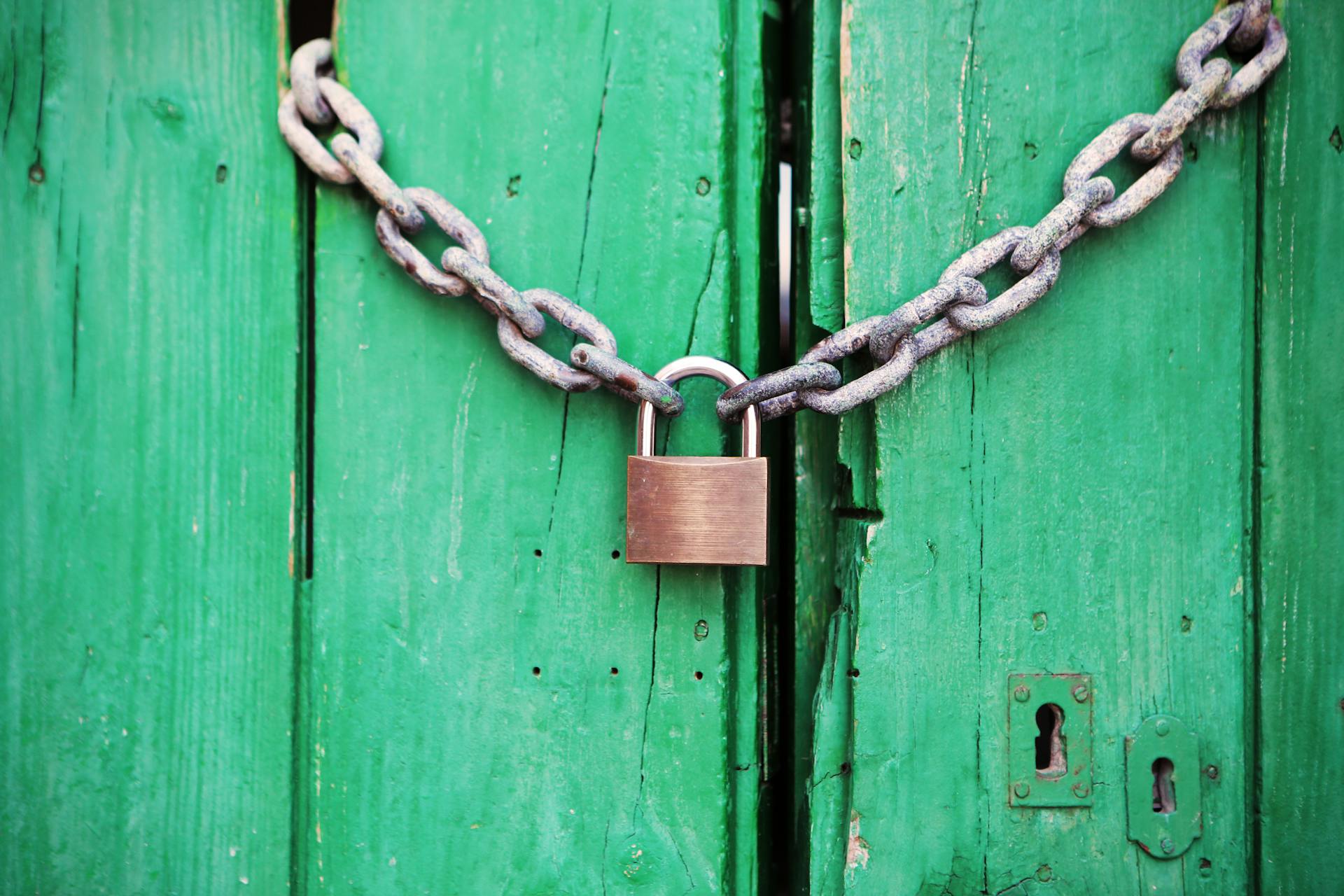
Beware of Typosquatting
A major threat businesses face is typosquatting—deceptive domains tricking users, stealing trust, and damaging brand reputations


